Best Wall Art for Gaming Room & Game Room Decor Guide
Your setup deserves more than bare walls. Here's how to pick gaming room wall art that actually fits your aesthetic — themes, placement, materials, and budget tips.
Disclosure: This article contains affiliate links to Displate. If you purchase through these links, we earn a commission at no extra cost to you. All designs shown are original creations by Lineer.
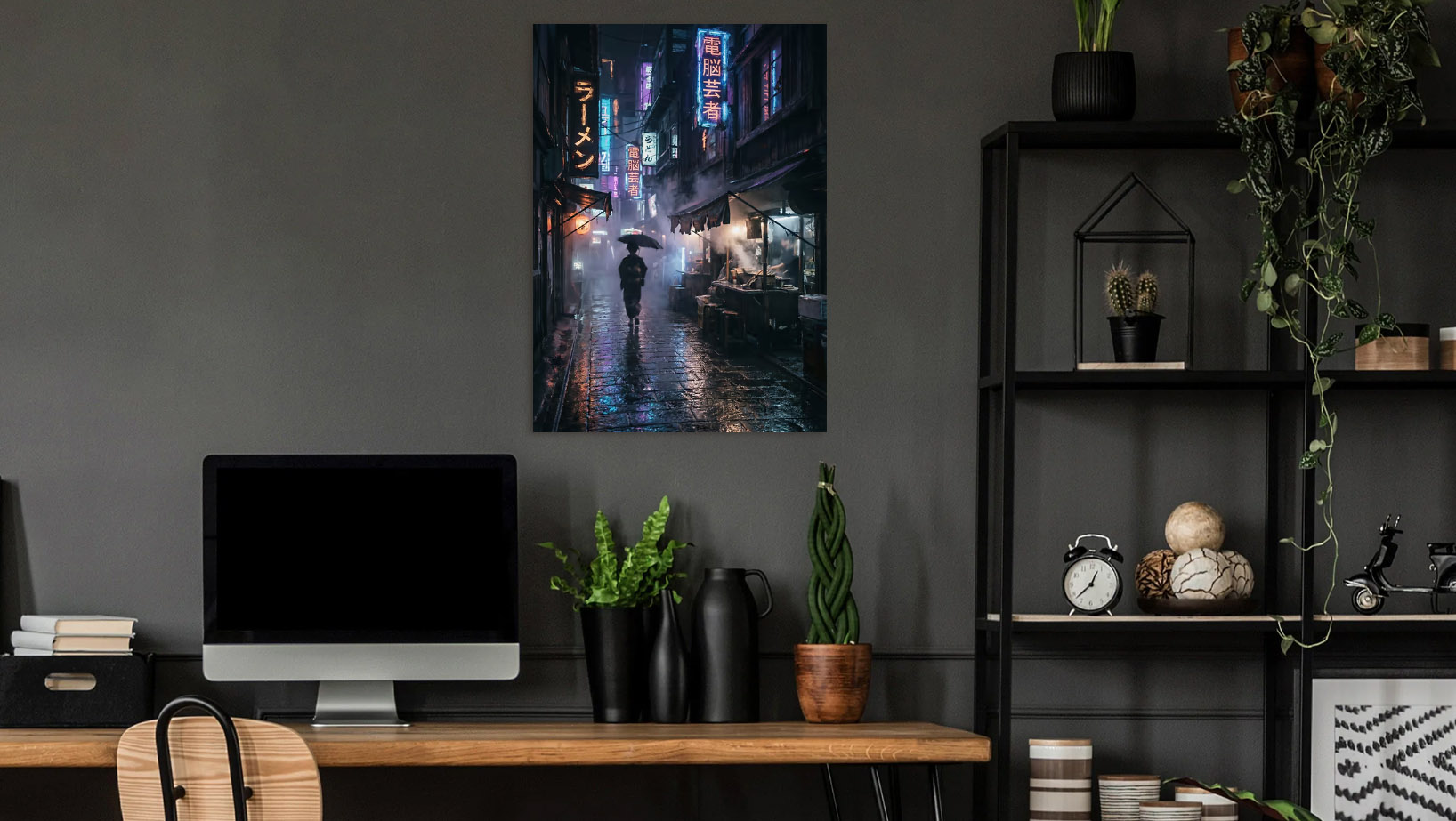
You've got the PC, the RGB peripherals, maybe even a custom desk — but the walls are still blank. That's the part most people skip, and it's exactly what separates a gaming room from a room where someone happens to game.
I design wall art specifically for setups like this — dark, high-contrast pieces with neon glow effects that are built to look their best on metal. Here's what actually works when you're picking gaming room wall art, and what to avoid so your room doesn't end up looking like a dorm.
Why Wall Art Makes or Breaks a Gaming Setup
Your monitor is the focal point when you're playing, but when you're not — and when anyone else walks in — the walls tell the story. A clean desk with bare walls looks unfinished. A cluttered desk with the right wall art still looks intentional.
The trick is picking pieces that complement your setup's color scheme rather than competing with it. If your RGB runs cool blues and purples, a neon cyberpunk piece will feel like a natural extension. If you lean warm with amber and red, dark fantasy with fiery elements works better.
Metal posters work especially well in gaming rooms because the metallic surface catches light from your monitors and RGB peripherals. That ambient reflection creates a subtle glow effect that paper and canvas can't match — the art actually shifts depending on what's on your screen.
Best Themes for Gaming Room Wall Decor
Not every art style fits a gaming room. You want pieces that match the energy of what you play and the aesthetic you've built around your setup. Here are the themes that consistently work:
Cyberpunk & Neon
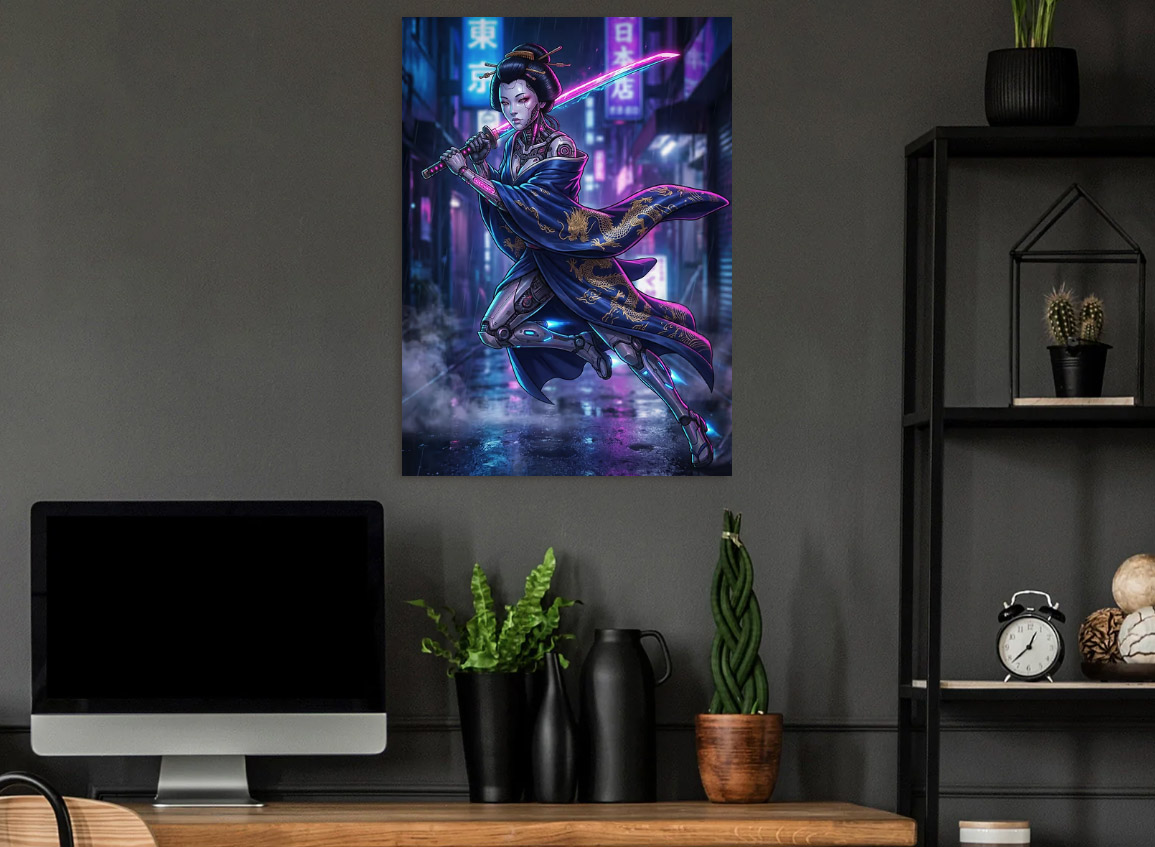
The most popular choice for gaming setups, and for good reason. Neon-lit cityscapes, futuristic characters, and rain-soaked streets pair naturally with RGB lighting. The dark backgrounds keep the room feeling grounded while the neon pops create visual interest. Check out my cyberpunk poster collection for pieces designed around this exact effect, and read my full cyberpunk room decoration guide for lighting, color palette, and layout tips.
D&D & Fantasy
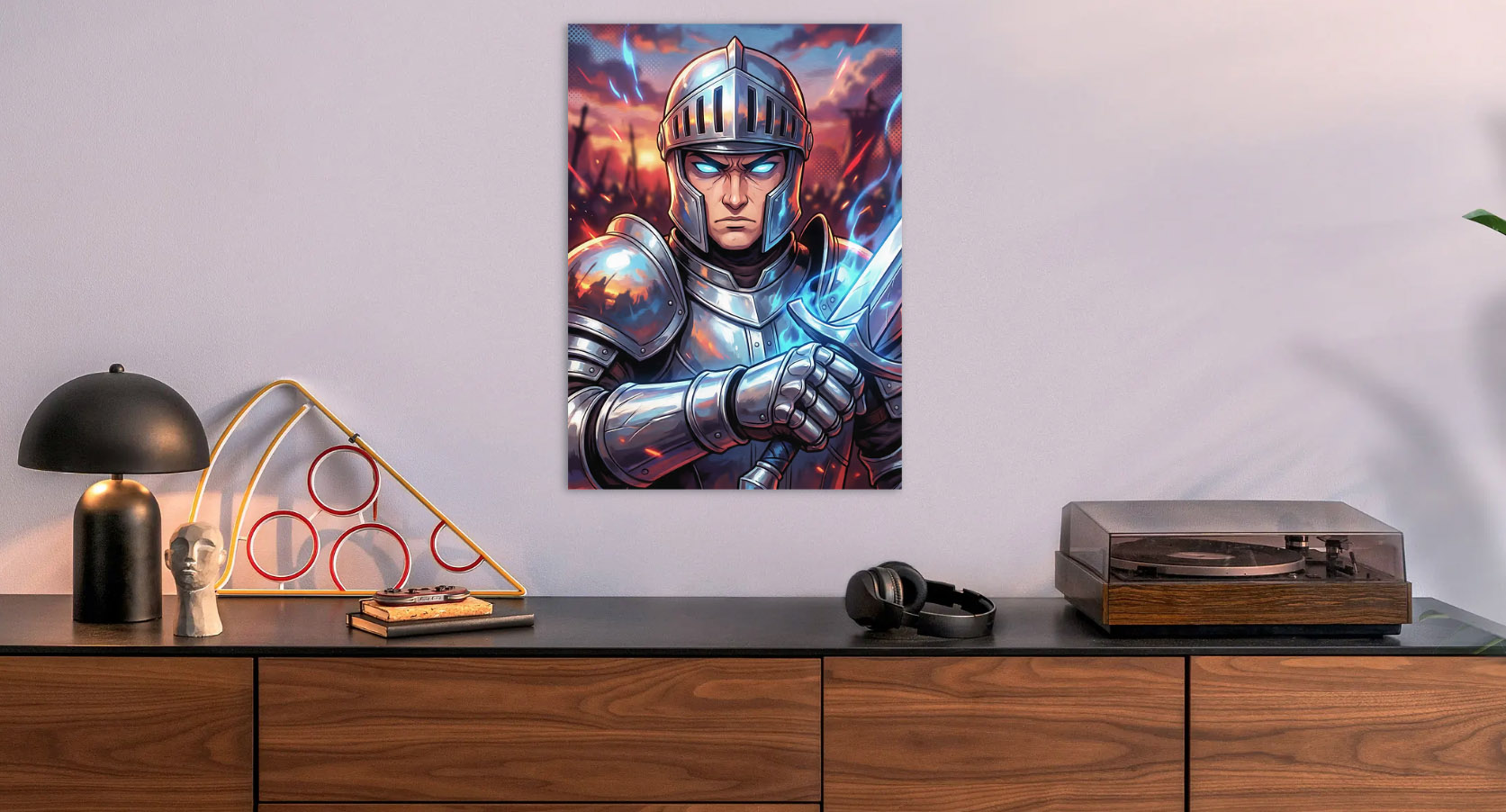
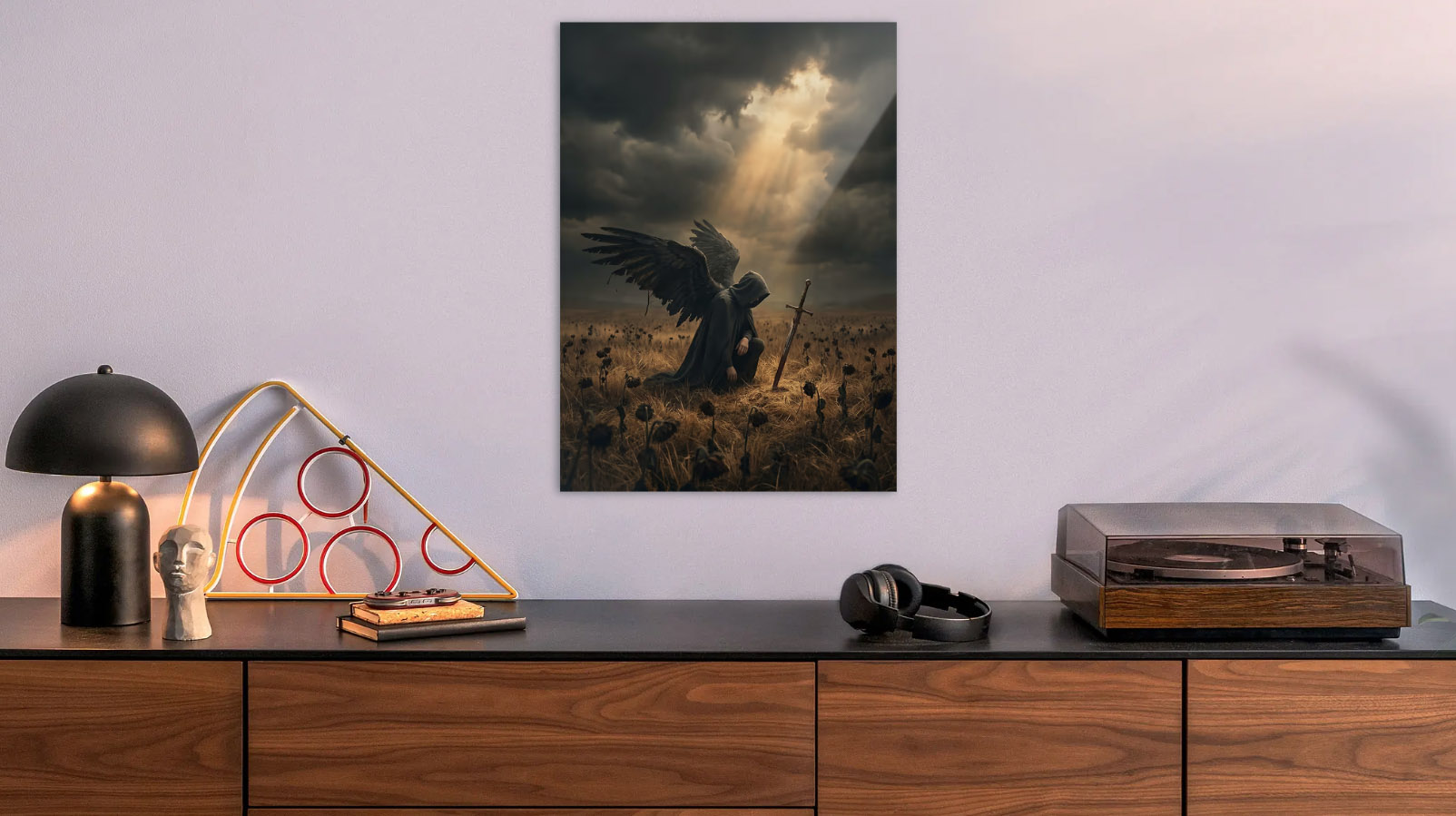
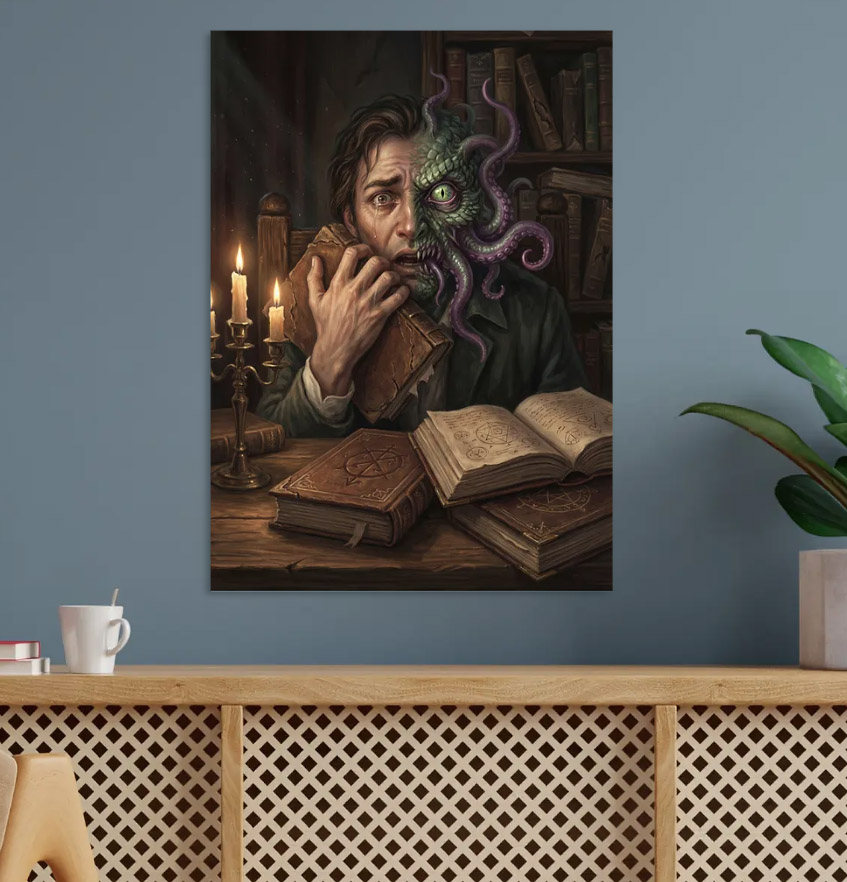
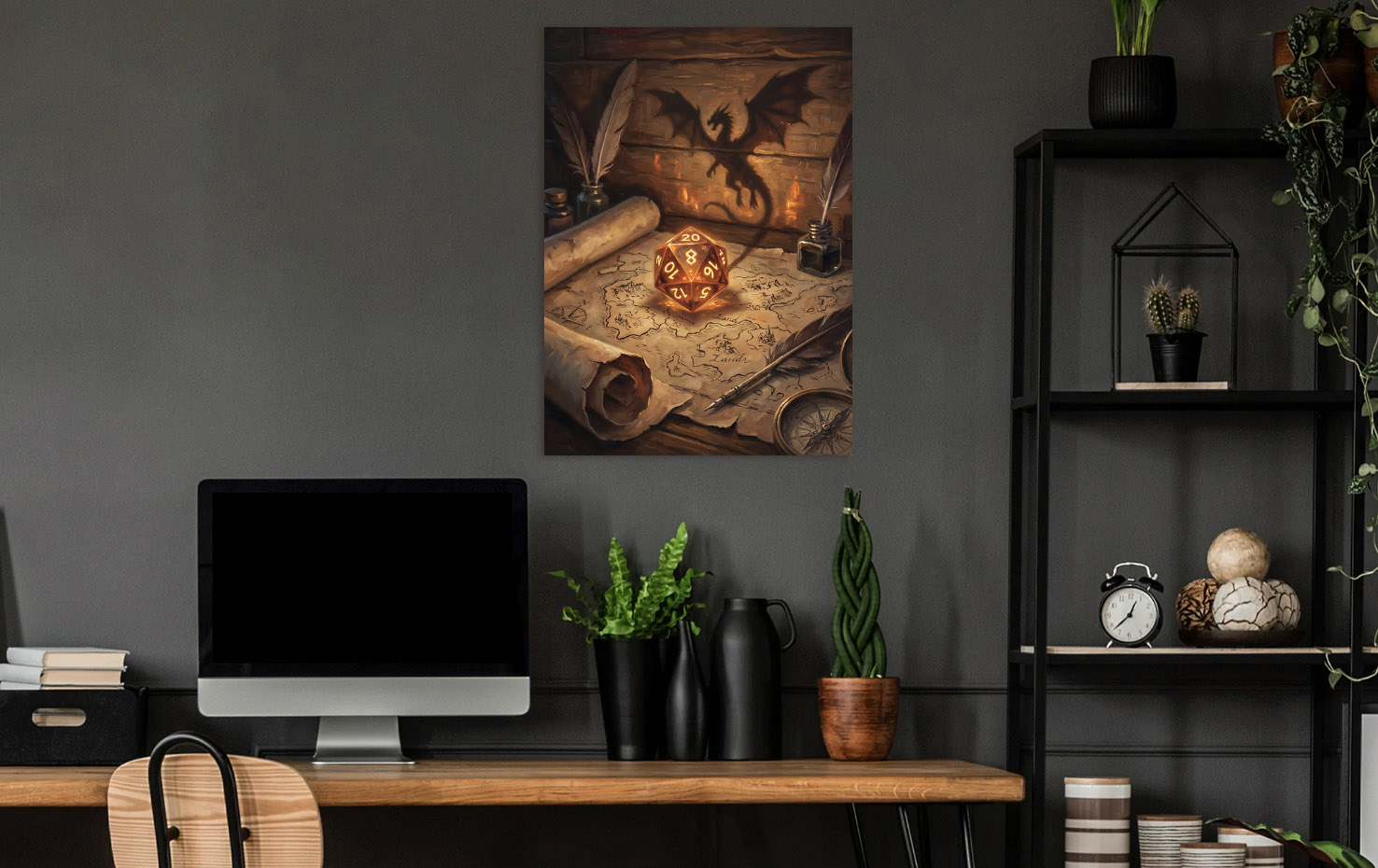
If your evenings involve rolling dice or playing Baldur's Gate, fantasy wall art makes your gaming room feel like a tavern or war room — in the best way. Dragons, glowing swords, enchanted forests — these designs have built-in drama that works at any size. Browse the D&D wall art collection for knights, mages, and creatures that belong on a dungeon master's wall. If you're going full dark aesthetic, my dark aesthetic room guide covers how to pull off moody, gothic vibes.
Anime & Japanese Aesthetic
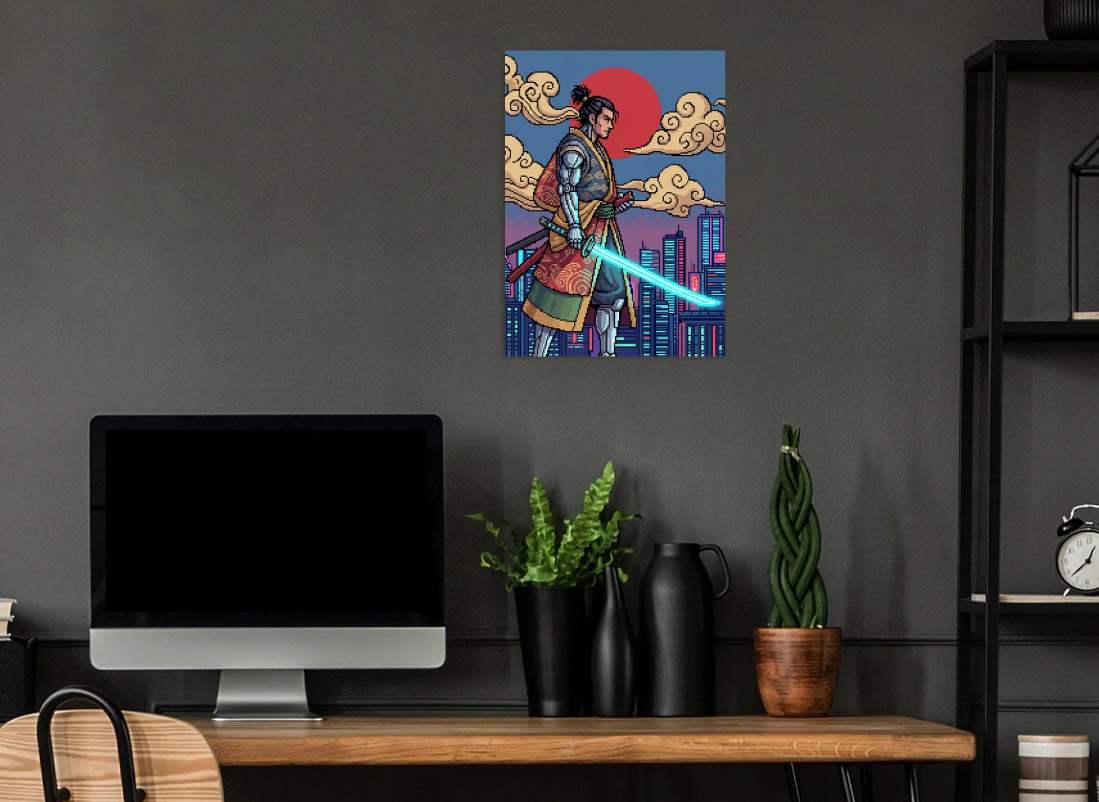
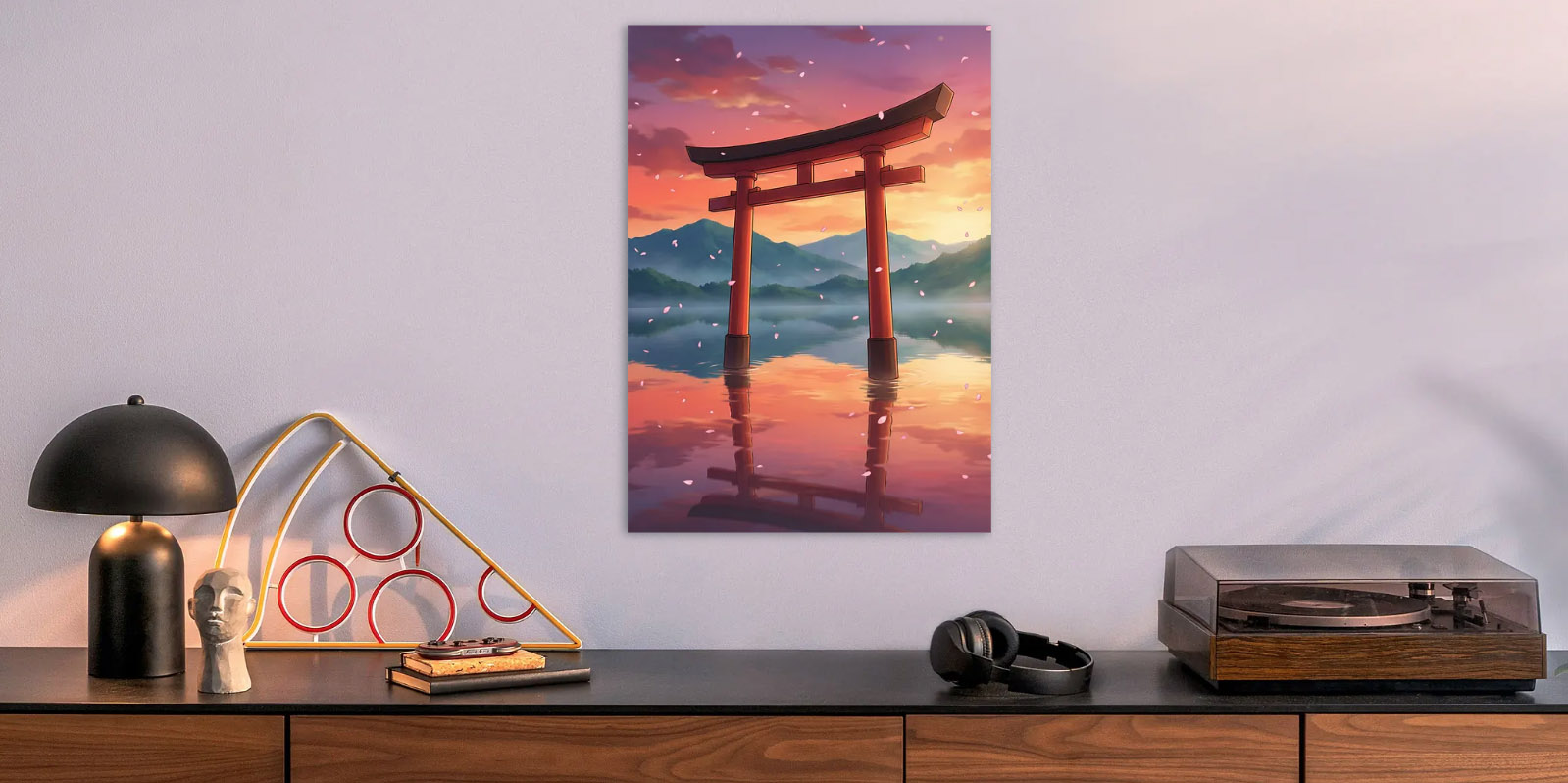
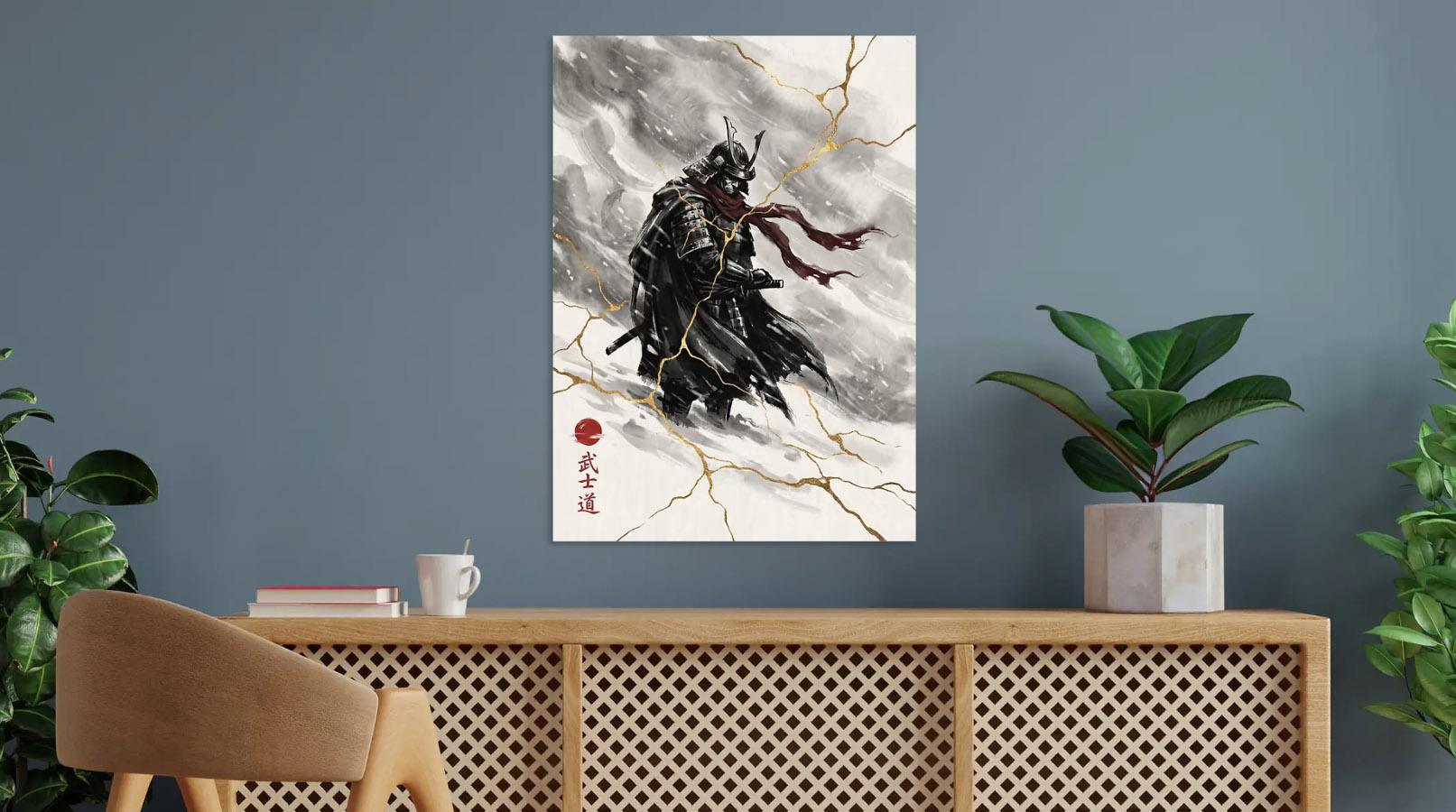
Samurai in snow, neon torii gates, cyberpunk geishas — Japanese-inspired art bridges the gap between clean minimalism and bold visual impact. If your setup leans toward a cleaner aesthetic but you still want something with edge, this is the sweet spot. See the Japanese wall art collection and anime wall art collection.
How to Choose Wall Art That Fits Your Setup
The biggest mistake with game room wall decor is buying whatever looks cool in isolation. A piece that looks incredible on its own can clash hard with your actual setup. Here's what to match:
- Color temperature: Cool RGB setup (blues, purples)? Go cyberpunk or space themes. Warm setup (amber, red)? Dark fantasy with fire elements or motivational pieces with gold tones
- Scale:One large statement piece above your monitor beats three small prints scattered randomly. A single L-size metal poster (26.6" x 18.9") anchors the whole wall
- Placement: The prime spot is directly above your monitor or on the wall you face from your chair. That's where your eyes naturally go when you look up from the screen
- Mood consistency: Don't mix a cute cartoon cat poster with dark fantasy skulls on the same wall. Pick a lane and stay in it — you can always add variety across different walls
Metal vs. Canvas vs. Paper for Gaming Rooms
I've designed for all three, and for gaming rooms specifically, metal wins. Here's why:
- Light interaction: Metal catches and reflects ambient light from your monitors and LEDs. The art literally changes appearance as your screen shifts between scenes. Canvas absorbs light, paper just sits there flat
- No damage mounting: Displate's magnet system means no nails, no holes. You can rearrange your wall without patching anything — swap out art as fast as you swap games
- Durability: No fading, no curling, no moisture damage. Metal posters handle the heat from nearby equipment without warping
- Sharp detail: Digital art — the kind most gamers gravitate toward — looks its absolute best on metal because there's no texture grain softening the image. Every pixel stays crisp
If you want the full breakdown, I wrote a detailed canvas vs metal comparison.
Budget Guide: Building Your Gallery Wall Over Time
You don't need to fill every wall on day one. The smartest approach is to start with one piece and build out from there:
- Start with one statement piece ($44–89). Pick the design that best matches your setup's vibe and hang it above your monitor. This single change transforms the space more than anything else you can do
- Add accent lighting ($10–15). A cheap LED strip behind the metal poster creates a halo glow. Suddenly your wall art isn't just decoration — it's part of your lighting setup
- Expand to a second piece ($44–89). Put it on a side wall or above a shelf. Two complementary pieces from the same theme create a cohesive look without overdoing it
- Consider a gallery arrangement. Three pieces in a row or an asymmetric cluster works great for longer walls behind a desk setup. Stick to one collection or theme for the cleanest look
Pro tip: Displate regularly runs sales with 20–35% off, and their Club membership gives up to 34% off every purchase. Check my Displate discount codes guide before buying at full price. And if you're wondering whether Displate is worth the investment, read my honest Displate review.
Layout Ideas by Room Size
Small room / corner desk setup
One M-size (17.7" x 12.6") piece directly above the monitor. Keep it simple — in a tight space, one strong piece looks intentional. Multiple small prints will feel cluttered.
Medium room / L-shaped desk
One L-size above the main monitor plus one M-size on the adjacent wall. The larger piece anchors the setup, the smaller one adds depth without overwhelming the space.
Large room / dedicated game room
This is where you can go gallery-style. Three to five pieces from the same collection, arranged in a row or asymmetric cluster. The magnet mounting system makes rearranging painless, so experiment until it feels right.
What to Avoid
A few things that look fine in product photos but fall flat in an actual gaming room:
- Generic inspirational quotes — "Live Laugh Game" is not it. If you want typography, go with something that has actual design weight behind it, like stoic philosophy or hand-lettered motivational art
- Oversaturated rainbow art — Pieces with every color at once compete with your RGB and make the room look chaotic. The best gaming room wall art uses a limited palette with high contrast
- Cheap paper posters with tape — This is the fastest way to make an expensive setup look budget. If you've spent hundreds on peripherals, your wall art should match that level of quality
- Mixing too many themes — Anime next to a sports car next to a motivational quote next to a landscape. Commit to a style. You can mix within a genre (cyberpunk samurai + neon alleyway), but don't scatter across every aesthetic
Ready to Level Up Your Walls?
Your gaming setup deserves wall art that matches the effort you've put into the rest of the room. Whether you're into cyberpunk neon, dark fantasy, anime, or D&D — every piece in my collections is designed with dark, high-contrast aesthetics that come alive on metal.
Start with the collection that matches your vibe:
- Cyberpunk Posters — neon cities, futuristic tech, retro-cyber cars
- D&D Wall Art — knights, dragons, mages, pixel art
- Anime Wall Art — anime-inspired characters and scenes
- Japanese Wall Art — samurai, torii gates, mystical temples
- Dark Fantasy Wall Art — fallen angels, enchanted forests, skull fortresses
Every design is original, created by me, and optimized for Displate's metal finish. The magnet mounting means no holes in your walls — hang it, swap it, rearrange it whenever you want.
Shop the Look
Browse metal wall art from the collections mentioned in this article. Prices start from $44.

Frequently Asked Questions
What is the best wall art for a gaming room?
Metal posters are the top choice for gaming rooms because the metallic surface actively interacts with RGB and monitor light, creating ambient reflections that shift and change as your screen displays different scenes. This dynamic quality makes metal art feel like part of your gaming environment rather than a static background decoration. The most popular themes for gaming setups are cyberpunk (neon-lit cityscapes, futuristic characters, rain-soaked streets), D&D and fantasy (dragons, knights with glowing swords, enchanted forests), and anime/Japanese aesthetic (samurai, torii gates, cyberpunk geisha). Digital art specifically looks its sharpest on metal because there's no canvas texture or paper grain softening the image — every detail stays pixel-crisp at viewing distance.
Where should I hang wall art in my gaming setup?
The most impactful placement is directly above your monitor or on the wall you face from your gaming chair — this is where your eyes naturally rest when you look up from the screen, making it the highest-visibility spot in the room. For L-shaped desk setups, a second piece on the adjacent wall creates visual depth without cluttering the primary viewing angle. Avoid hanging art where monitors, speakers, or shelving will partially block it — a half-hidden poster looks worse than no poster. If you're using LED strip lights behind the poster, position the art where ambient room lighting can interact with the metallic surface for maximum effect. The wall behind your chair (visible on webcam) is another strong placement for streamers.
How many pieces of wall art should a gaming room have?
The sweet spot depends on room size. For small rooms or corner desk setups, one well-chosen M-size (17.7" x 12.6") or L-size (26.6" x 18.9") piece above the monitor is ideal — it makes a clean statement without overwhelming a tight space. Medium rooms with an L-shaped desk can support two pieces: one large piece on the main wall and one complementary piece on the adjacent wall. Large dedicated game rooms or streaming rooms can handle 3-5 pieces in a gallery arrangement — a row of three or an asymmetric cluster. The critical rule regardless of count: stick to one theme or collection. A cyberpunk piece next to anime next to a motivational quote creates visual chaos. Cohesion is what separates a curated gaming room from a random poster wall.
Is metal or canvas better for gaming room wall art?
For gaming rooms specifically, metal wins on every practical criterion. The metallic surface reflects ambient RGB light from monitors, LED strips, and peripherals, creating dynamic visual effects that canvas simply cannot replicate — canvas absorbs light while metal bounces it back. Metal is also far more durable in a gaming environment: it won't fade from prolonged exposure to monitor light, won't warp from the heat generated by nearby equipment, and won't accumulate dust the way textured canvas does. Displate's magnet mounting system means no drilling holes, which matters when gaming setups evolve and you want to rearrange. Finally, digital art — the dominant style for gaming room decor — renders with sharper detail on metal because there's no canvas weave softening the image. Canvas is better for traditional art styles, but gaming rooms almost exclusively feature digital art.
How much does gaming room wall art cost?
Displate metal posters start from $44 for M size (17.7" x 12.6") and $89 for L size (26.6" x 18.9"). With a Displate Club membership (up to 34% off every purchase), the M size drops to approximately $29 — comparable to a quality paper poster in a frame, but with far superior visual impact and durability. Seasonal sales throughout the year offer additional 20-35% off, with Black Friday being the best time to buy. For perspective: one quality metal poster at $44-89 transforms a gaming room more dramatically than three cheap $10 paper posters. The magnet mounting system also saves money long-term since there's no wall damage to repair when you rearrange.
More Articles
Best Cyberpunk Room Decoration Ideas for 2026
2026-03-23
Dark Aesthetic Room Ideas: Gothic, Moody & Dark Academia Decor
2026-03-23

Is Displate Worth It? Honest Review from a Displate Artist
2026-03-23
Canvas vs Metal Prints: Which Is Better for Wall Art?
2026-03-23
Displate Discount Codes & Deals 2026
2026-03-23